User Guide: Room-Acoustics Simulator
How the low-frequency room simulation above works, how to read what it shows you, and what it can and can’t tell you about your own room.
⏱ It does real physics — be patient
Each comparison runs two full numerical simulations on a shared server. A new configuration can take up to about 90 seconds, longer for larger rooms. Please don’t resubmit repeatedly.
Read the full note ↓⚠ A model, not a measurement
This is a simplified, idealized simulation for education and illustration. PSI Audio does not guarantee it matches the measured performance of AVAA in your actual room.
Read the full disclaimer ↓01 What this tool is
The widget on this page is an interactive, physics-based simulator of low-frequency sound inside a rectangular room. You choose a room size, where the sound source and listening position sit, what the walls are made of, and which AVAA active absorbers are switched on and where — and the tool computes and animates, side by side, how the room behaves without treatment and with it.
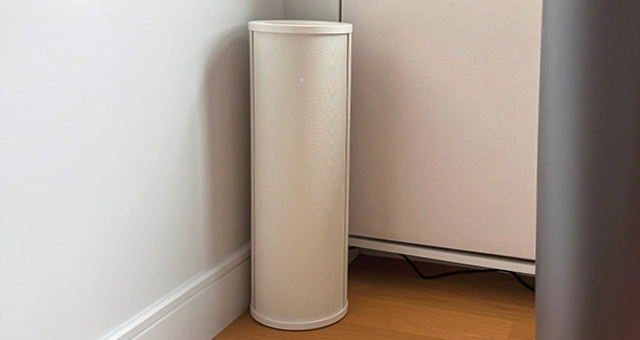
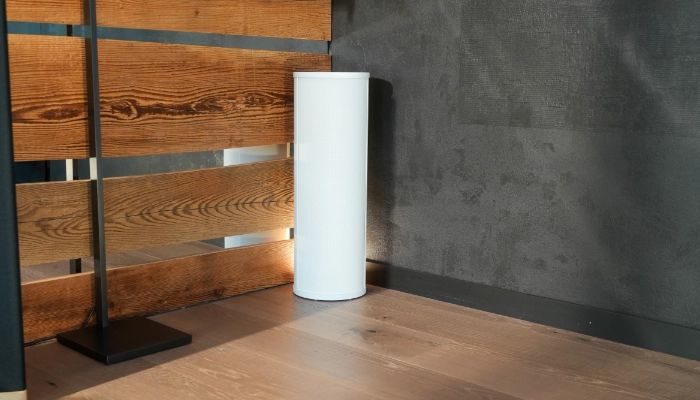
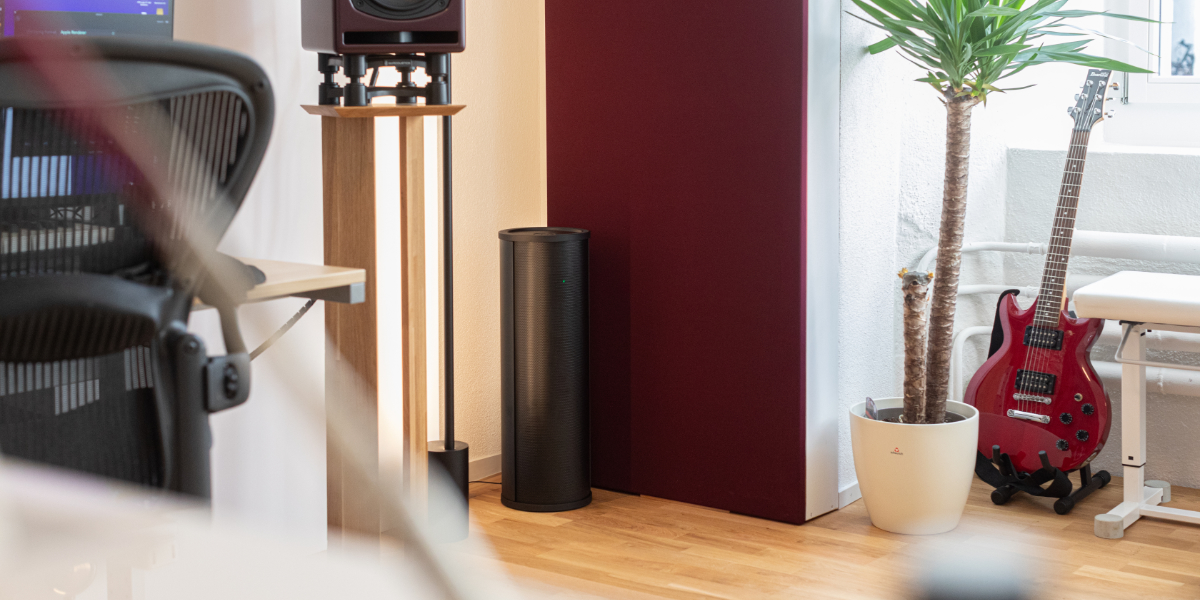
AVAA (Active Velocity Acoustic Absorber) units are PSI Audio’s active bass-absorption devices. Unlike passive bass traps, they use a feedback-controlled membrane to absorb low-frequency energy across a broad band, in a compact footprint. This simulator exists to make that effect visible and to build intuition for why a room sounds the way it does at low frequencies — not to replace an acoustic measurement of your space.
02 The problem it illustrates
Below roughly 200–300 Hz, a room's own dimensions start to matter as much as what's playing through the speakers. Sound waves reflect off the walls, ceiling and floor and reinforce each other at specific frequencies — the room's modes, heard as standing waves. At those frequencies, bass can be dramatically louder in one part of the room and almost inaudible a meter away, and once the source stops, the room keeps "ringing" at that frequency far longer than it does elsewhere in the spectrum. This is usually the single biggest reason a room's bass sounds boomy, uneven, or hard to mix on.
The simulator lets you find your room's own modal frequencies (see Room modes below), listen to — or rather, watch — how badly one of them rings in an untreated room, and compare it to the same room with AVAA absorbers active at chosen positions.
03 How the simulation works
The engine behind the tool uses the Finite-Difference Time-Domain (FDTD) method — the same class of numerical technique used in acoustics and electromagnetics research. The room is divided into a fine 3D grid (5 cm cells), and the acoustic wave equation is stepped forward in small time increments, cell by cell, from a short tone burst injected at the source position. This is a direct physical simulation of pressure and particle-velocity propagation, not a lookup table or a statistical estimate.
Every comparison actually runs the simulation twice: once with plain, untreated walls (the baseline), and once with the AVAA absorbers you've enabled acting as extra boundary conditions at their mount points (the treatment). Everything else — room size, source, receiver, wall material, frequency — is held identical between the two runs, so any difference you see is attributable to the absorbers alone.
Each run simulates under one second of real sound — far too fast to watch. That short burst of physics is stretched into a roughly 10-second looping animation so the wave motion, reflections and decay are visible to the eye. The video is a replay of the computed data, not a live playback speed.
04 Using the tool
The controls run top to bottom in the order you'd normally set them up:
-
Set the room and source
Room width, depth and height in meters (roughly 2–5.5 m on each horizontal axis, 2–4 m high). Choose one source, or two for a mirrored stereo pair, and position them — positions snap to the same 5 cm grid the simulation itself uses.
-
Place the receiver
The star marker (★) is your virtual listening/measurement position — the point the pressure-over-time charts are drawn from. Try a few positions: the same mode can look completely different a meter away.
-
Choose a wall material
A single surface-resistance value (in Pa·s/m) stands in for how reflective the room's boundaries are: Free air (428, reflects almost nothing) through Soft wall (10,000), Medium wall (50,000), to Hard wall (200,000, reflects almost everything) — or dial in a custom value.
-
Pick a frequency
20–100 Hz, the band AVAA targets. The Room modes panel lists the frequencies your current room reinforces most strongly — click one to jump straight to it, since that's where an absorber's effect is easiest to see.
-
Switch on absorbers
Click mount points on the room preview — four corners and four wall midpoints, up to 8 total. Each represents an AVAA unit with fixed size (210 mm diameter) and fixed absorption strength, so what you're testing is placement and count, not a bigger or smaller device.
-
Run the comparison
The two scenarios compute and appear as they finish. See Time & resources for what to expect while you wait.
05 Reading the results
The two video panels
Rigid wall (no absorber)
The untreated room. This is your baseline — whatever ringing or unevenness you see here is what the room does on its own.
With absorber
Identical room and frequency, with your chosen AVAA placements active. Compare it directly against the panel on the left.
Each video is a bird's-eye slice through the room. Color shows sound pressure at each point; arrows show the direction and strength of local air motion (particle velocity) carrying the wave.
The charts
Three curves: the raw tone burst fed into the room (dashed grey), the pressure measured at your receiver in the rigid-wall room (red), and the same measurement with the absorber active (blue). A shorter, faster-decaying blue curve is the absorber visibly doing its job.
Decay time and RT60
Underneath the charts, the tool reports how long each scenario's pressure envelope takes to fall to 10% of its peak (T20), and an estimated RT60 (T20 × 3, the standard ISO 3382 extrapolation) for both the rigid-wall and with-absorber cases, plus the percentage improvement when it's unambiguous. Absorber placement and the frequency you picked both matter a lot here — a placement that barely helps at one frequency or receiver position can help substantially at another. That sensitivity is itself part of what the tool is meant to teach.
Room modes panel
Lists the rigid, untreated room's own resonant frequencies between 20 and 100 Hz — the frequencies it reinforces on its own, regardless of what's playing. These are usually where a real room's bass problems are worst, and where an absorber's benefit shows up most clearly.
06 Time & resources
Every comparison you run performs two genuine 3D physics simulations on a server shared with every other visitor currently using this page. It is not a pre-baked animation.
- Expect roughly 15–90 seconds for a new configuration to finish, longer for larger rooms — a bigger room means more grid cells and more work.
- Repeating a setup you've already run is fast (well under a second): results are cached, so returning to a frequency, room size or position you've already tried — or one very close to it — reuses the earlier computation instead of redoing it.
- Avoid rapid-fire changes. Scrubbing a slider quickly and firing off a new run on every step multiplies server load for no extra insight. Land on a setting, then run it. The server will briefly throttle a visitor who submits too many new (non-cached) requests in a short time.
- Use the Room modes shortcuts rather than hunting frequency-by-frequency — they take you straight to the frequencies most worth comparing.
- If a run seems stuck, give it the full ~90 seconds before trying again; resubmitting doesn't make it faster and adds to the queue everyone else is sharing.
07 Accuracy & limitations
This simulator is provided purely to help you understand and visualize acoustic phenomena — room modes, standing waves, and how low-frequency decay behaves — and to illustrate, in principle, the kind of improvement active bass absorption can bring. PSI Audio does not guarantee that the results shown here — decay times, pressure levels, or the apparent size of any improvement — will match the real, measured performance of AVAA units in any specific room. It is not a substitute for on-site acoustic measurement or professional room-acoustic design.
Specifically, the model simplifies reality in several ways:
- Idealized geometry. The room is an empty rectangular box. Your actual room has furniture, doors, windows, alcoves, sloped ceilings, and people in it — all of which change how low frequencies behave, sometimes significantly.
- Simplified wall boundaries. Each wall is represented by a single, frequency-independent surface-resistance number, not the measured, frequency-dependent acoustic impedance of your actual drywall, concrete, glass, insulation, etc.
- Simplified absorber model. Each AVAA unit is represented as a fixed-parameter boundary condition (fixed size, fixed absorption strength), not a full electro-mechanical model of the transducer and its control loop.
- No environmental variation. Temperature, humidity, air density and HVAC noise — all real influences on low-frequency room behavior — are held at fixed, idealized values.
- Grid resolution. The 5 cm computational grid is fine enough for the 20–100 Hz range the tool covers, but it is a discretization of continuous physics, not the physics itself.
In short: treat every result as illustrative of a tendency — that a given mode exists, that placement and count of absorbers matters, that active absorption measurably shortens decay — rather than as a number you could quote for your own room. For an assessment of your actual space, consult an acoustics professional or get in touch with PSI Audio directly.
08 FAQ
Why does moving the receiver change the result at the same frequency?
A room mode is a fixed pattern of loud and quiet points in space (antinodes and nodes). The mode itself doesn't change when you move the star marker, but what you measure at that point does — you might be sitting right in a peak, or right in a null.
Why is the frequency range limited to 20–100 Hz?
That's the band where AVAA active absorption operates and where individual room modes are sparse enough for a mode-by-mode FDTD simulation to be meaningful. Higher up, modes become too dense to treat individually and statistical/diffuse-field methods take over — a different kind of model entirely.
Does adding more absorbers always shorten the decay time?
Not necessarily. The benefit depends on the interaction between absorber position, frequency and receiver location. Some placements barely help at a given frequency; that's a real, physically meaningful result, not a bug — it's part of why placement matters in a real installation too.
Can I use the exact RT60 or decay numbers in a report or spec?
No — treat them as relative, illustrative comparisons between the two scenarios shown, not as measured or guaranteed values. See Accuracy & limitations.
Why did my run take much longer than someone else's?
Run time scales with room volume and whether an identical or very similar configuration has already been cached. Larger rooms and first-time configurations take longer; repeats are near-instant. See Time & resources.
09 Glossary
- FDTD
- Finite-Difference Time-Domain: a numerical method that steps a wave equation forward through small time increments across a fine spatial grid, directly simulating how a wave propagates.
- Room mode / standing wave
- A frequency at which a room's own dimensions cause sound waves to reinforce themselves, producing uneven loudness across the room and prolonged ringing after the source stops.
- Pressure field
- The map of instantaneous sound pressure across the room at a given moment — what the colored video panels visualize.
- Particle velocity
- The local speed and direction of air-molecule motion that carries the sound wave — shown as arrows in the videos.
- T20 / RT60
- T20 is the time for the pressure envelope to decay to 10% of its peak; RT60 is estimated as T20 × 3, following the standard ISO 3382 extrapolation used in room acoustics.
- Surface resistance (Pa·s/m)
- A single-number simplification of how reflective ("hard") or absorptive ("soft") a wall surface is in the simulation.
- Absorber mount point
- One of eight fixed positions — four corners, four wall midpoints — where a simulated AVAA unit can be switched on.